Less searching. More discovering.
Browse movies and series in clear rows. Choose which folders to display and make your source your own library.
Less searching. More watching.
Live TV, movies and series from your own IPTV subscription. Finally together in a player that feels as good as it looks.
View on the App StoreYour own IPTV subscription required. Streamy does not provide channels, movies or series.
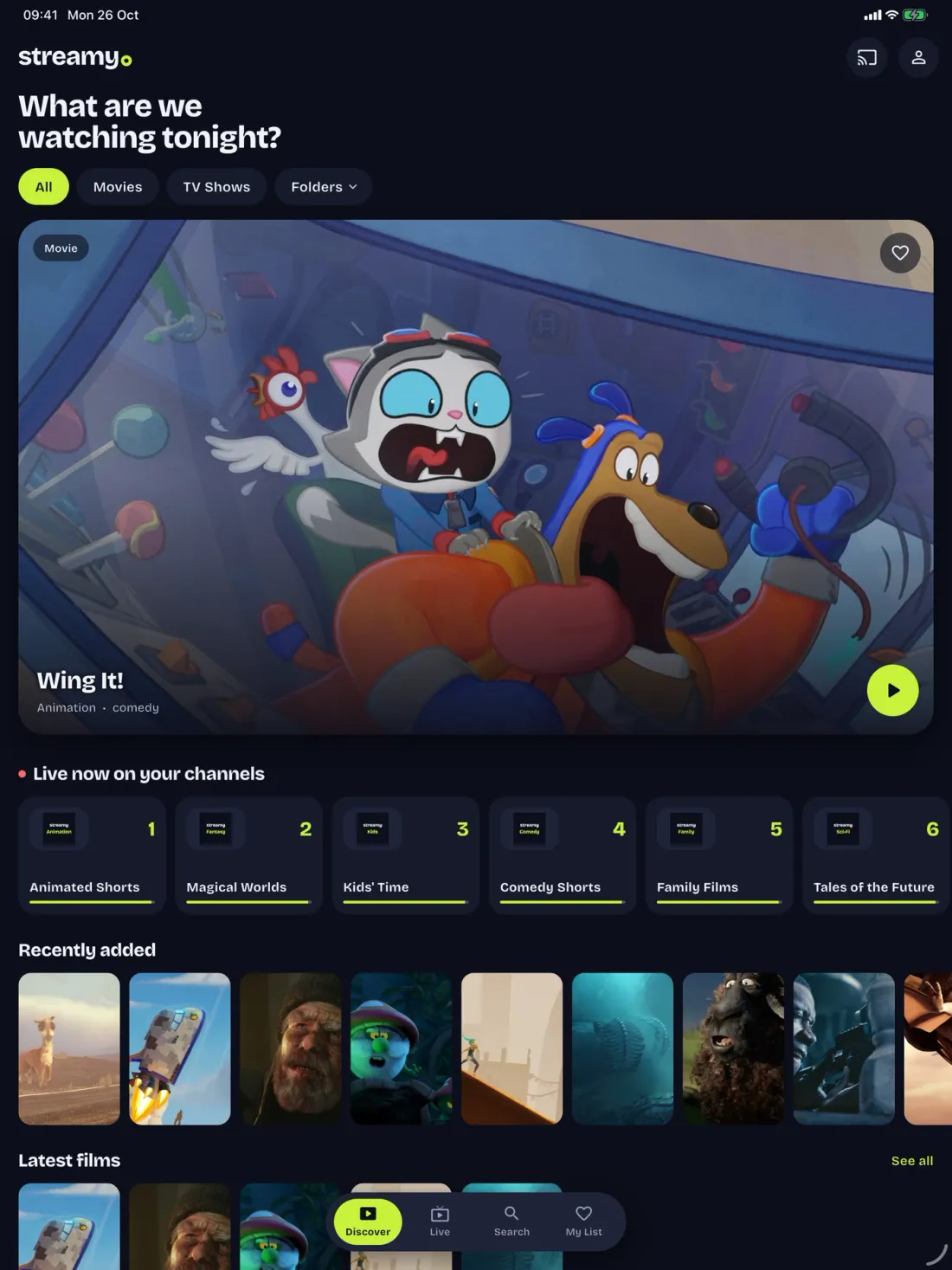
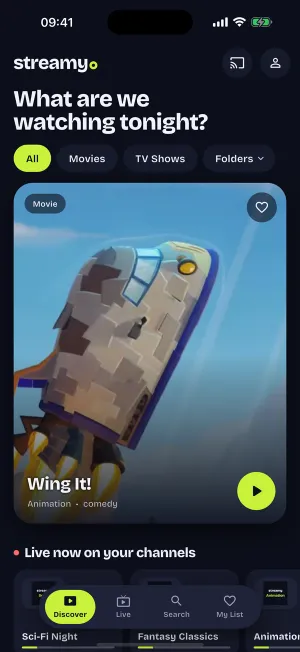
More room for what you love
Not an endless list of files. A clear library, a proper TV guide and your favourites close at hand.
Browse movies and series in clear rows. Choose which folders to display and make your source your own library.
See what is on now and next, with a programme guide that helps you choose when your source supplies guide data.
Your watch progress follows your Streamy account. Pick up on another supported device without searching again.
Live TV, minus the channel hopping
From your favourite channel to the programme guide. Streamy brings your own source together in one calm viewing experience.
Download Streamy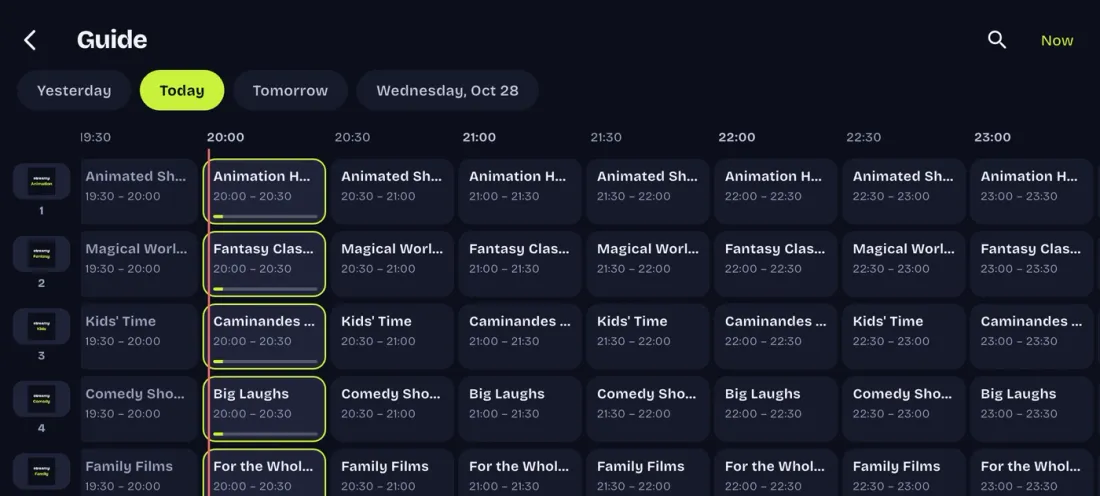
How it works
You choose your provider. Streamy takes care of the viewing experience.
Download the app for your device. For Samsung TV, follow the installation guide.
Sign in to your Streamy account and connect your own IPTV subscription.
Discover your movies, save favourites or switch on live TV. Your choice.
Small screen. Big screen. Your screen.
See exactly what is available and what is still on the way.
Your collection on iPhone and iPad. Requires iOS or iPadOS 16 or later.
View on the App StoreA home for Streamy on your Mac.
View Mac downloadInstall Streamy on your Samsung TV using a .wgt package and the installation guide.
Install on Samsung TVStreamy for Android phones and tablets is in preparation.
For Android TV and Google TV. Not publicly available yet.
Streamy for LG TVs with webOS. Not publicly available yet.
Public availability for Apple TV will be announced here.
FAQ
No. Streamy is a player for your own IPTV source. You arrange your own subscription with a provider and are responsible for the rights to the content you watch.
The iPhone and iPad app is free to download. Streamy offers a trial period and in-app subscriptions for use of the service. Check current prices and terms in the app before subscribing. Downloading Streamy does not include a TV subscription.
The iPhone and iPad app is on the App Store. A manual installation package is available for Samsung TV. The download page lists the current status of Mac, Apple TV, Android, Android TV and LG webOS.
No. You install the offered Samsung version manually. Read the guide first and check that the installation method works on your TV.
Your collection. Your screen.
Choose your device. Bring your own subscription. Discover Streamy.
Download StreamyYour own IPTV subscription required. Streamy does not provide channels, movies or series.